Home / Teacher & board
AI that works beside the teacher.
The Docendra board app runs on Samsung Interactive Displays. The teacher leads the lesson, sees every child live, splits the class into groups, and gets the gaps ready after class. Save time. Spark curiosity. Reach every learner.
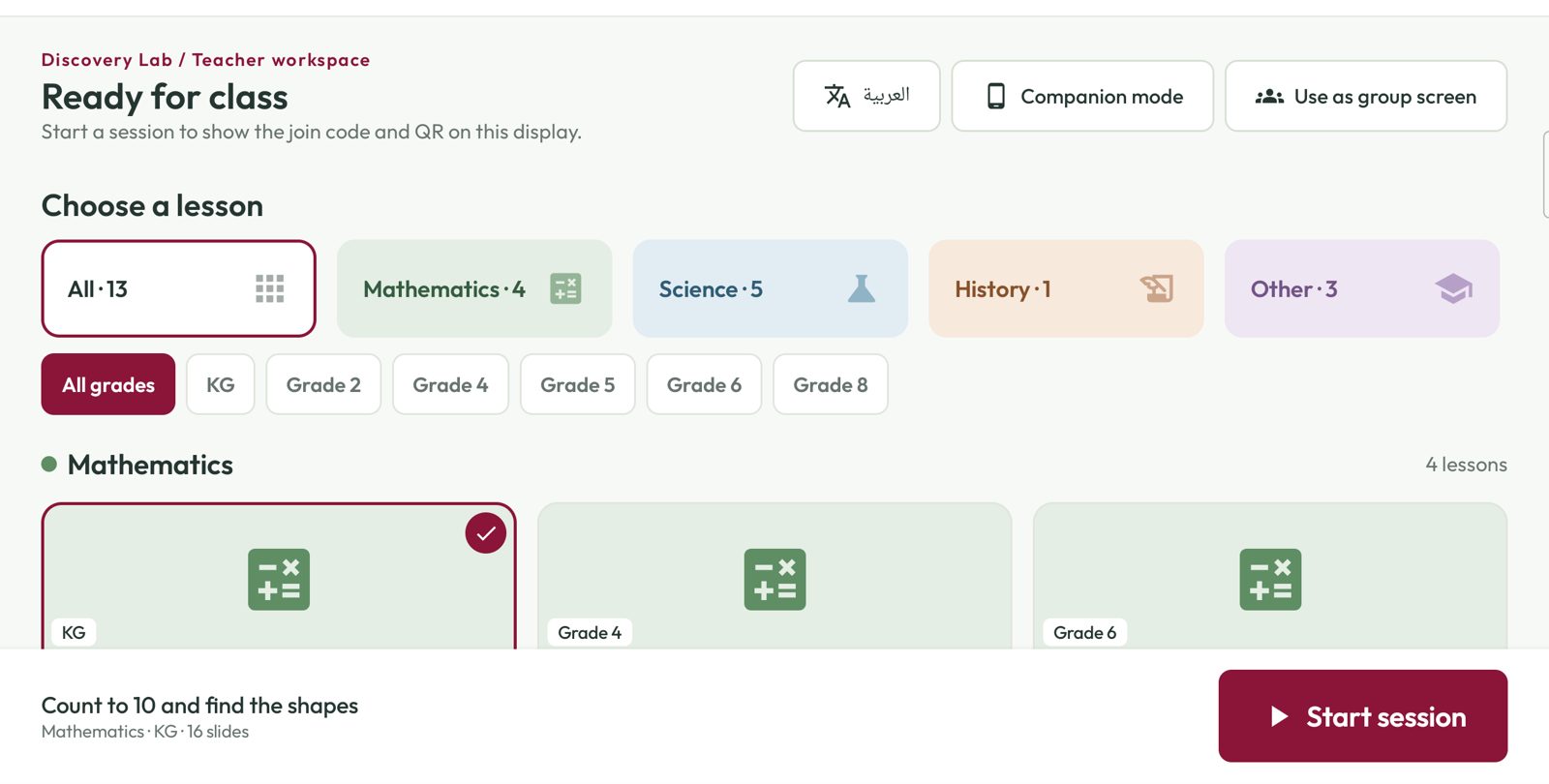
One app. The class joins by QR.
Pick a lesson by subject and grade, start the session, and the join code and QR appear on the board. The same app becomes a group screen or a remote on the teacher's phone.
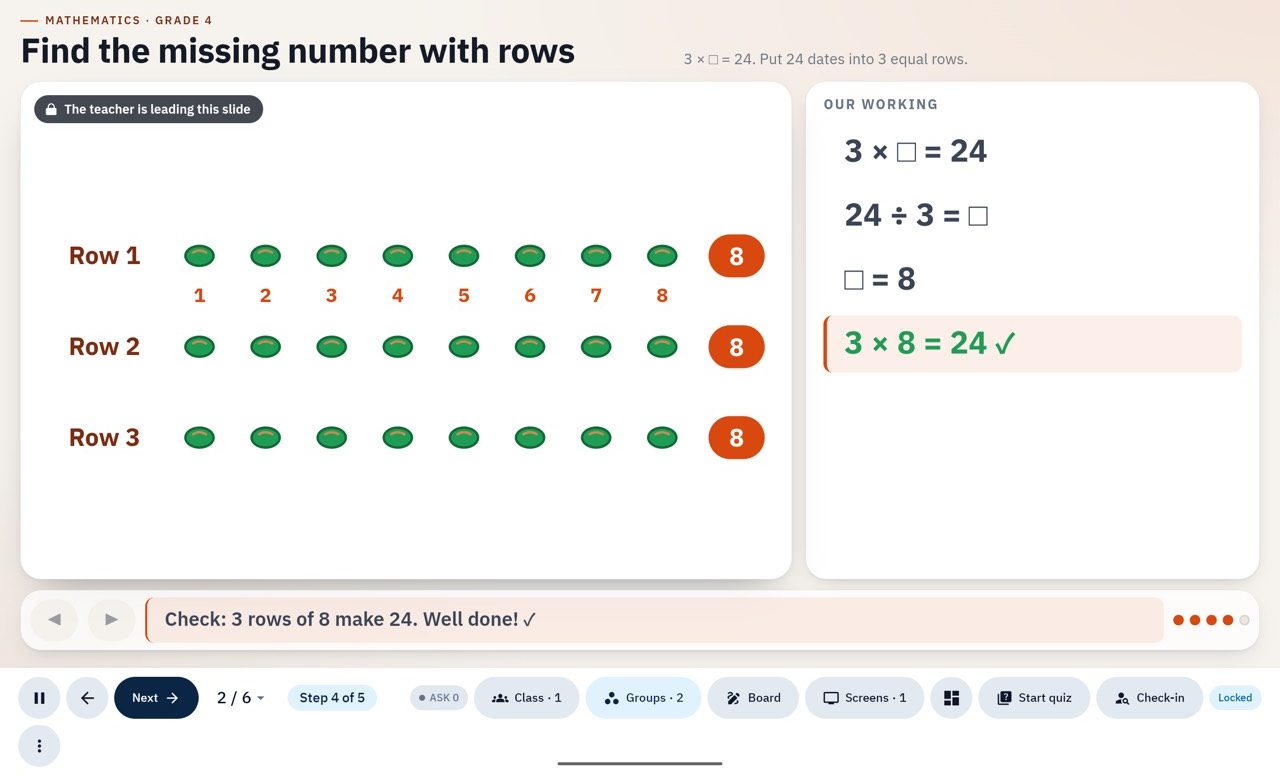
Lock the class to the slide, or let them explore.
Play, pause, next, jump. Lock every tablet to the board, free the class to explore, pull children's work up to the wall, or send a quick check to one child.
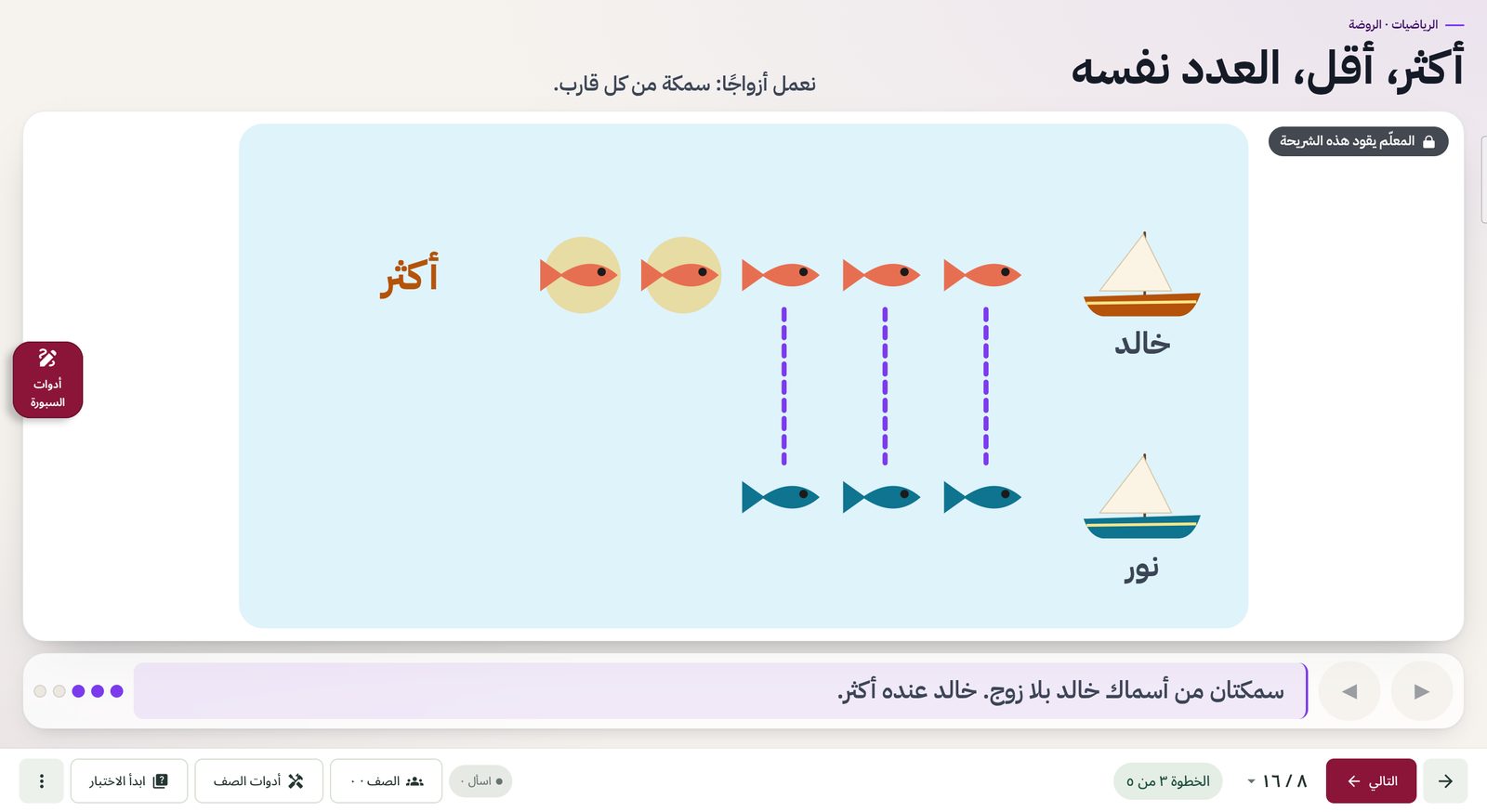
Every lesson exists in Arabic and English and switches direction with the language.
See who is stuck before they give up.
Each child's status updates live: following, exploring, finished or stuck. "Hand up" and "I'm stuck" arrive in order on the board, without a hand in the air.
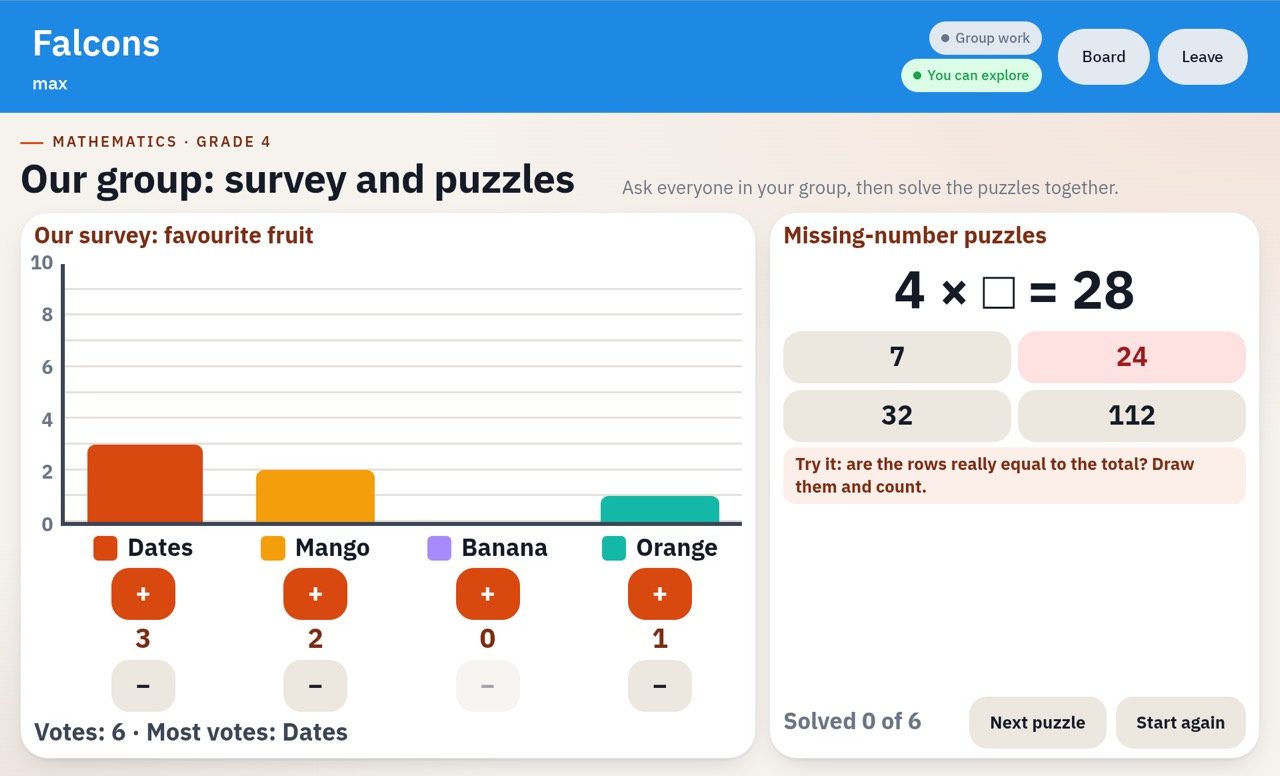
Split the class across three screens.
Send groups to the second and third displays in the room. Each group works on its own puzzle; a wrong answer gets a hint, not the solution, and the teacher sees every group from the main board.
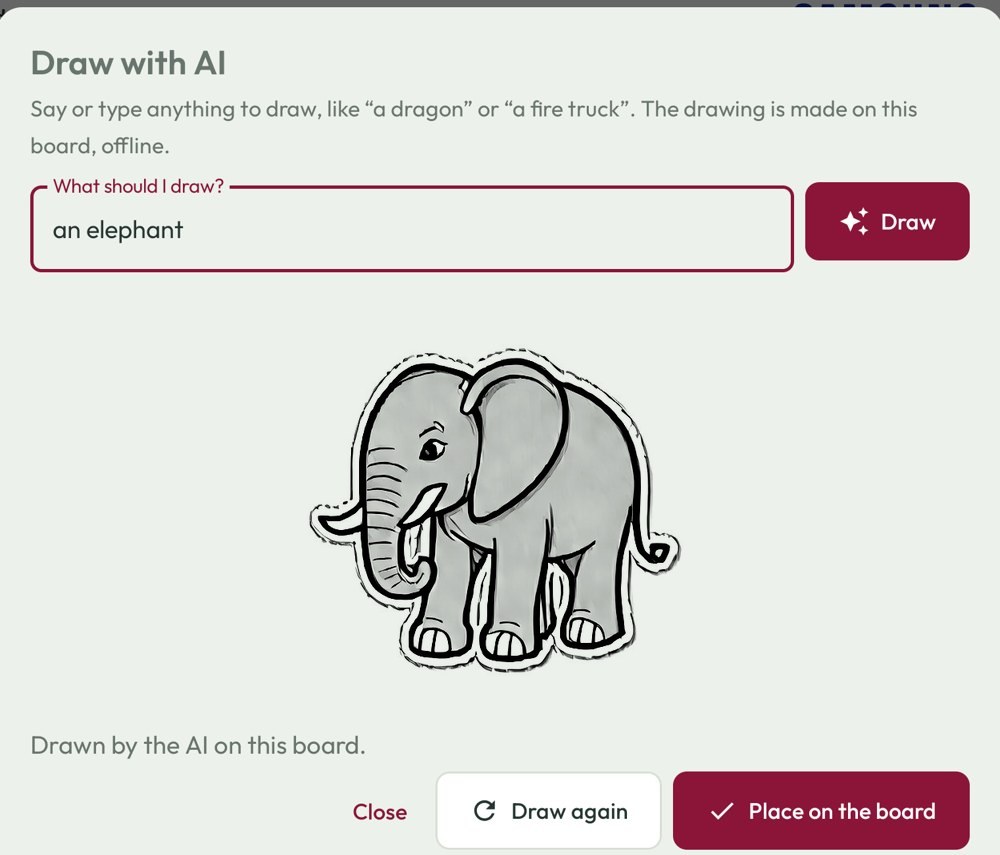
Shapes, ink, maths and drawing, in one dock.
Pens and highlighters, shapes, lasso, rulers, number lines and fraction pieces, plus the AI tools: Draw with AI, read handwriting, and solve step by step.
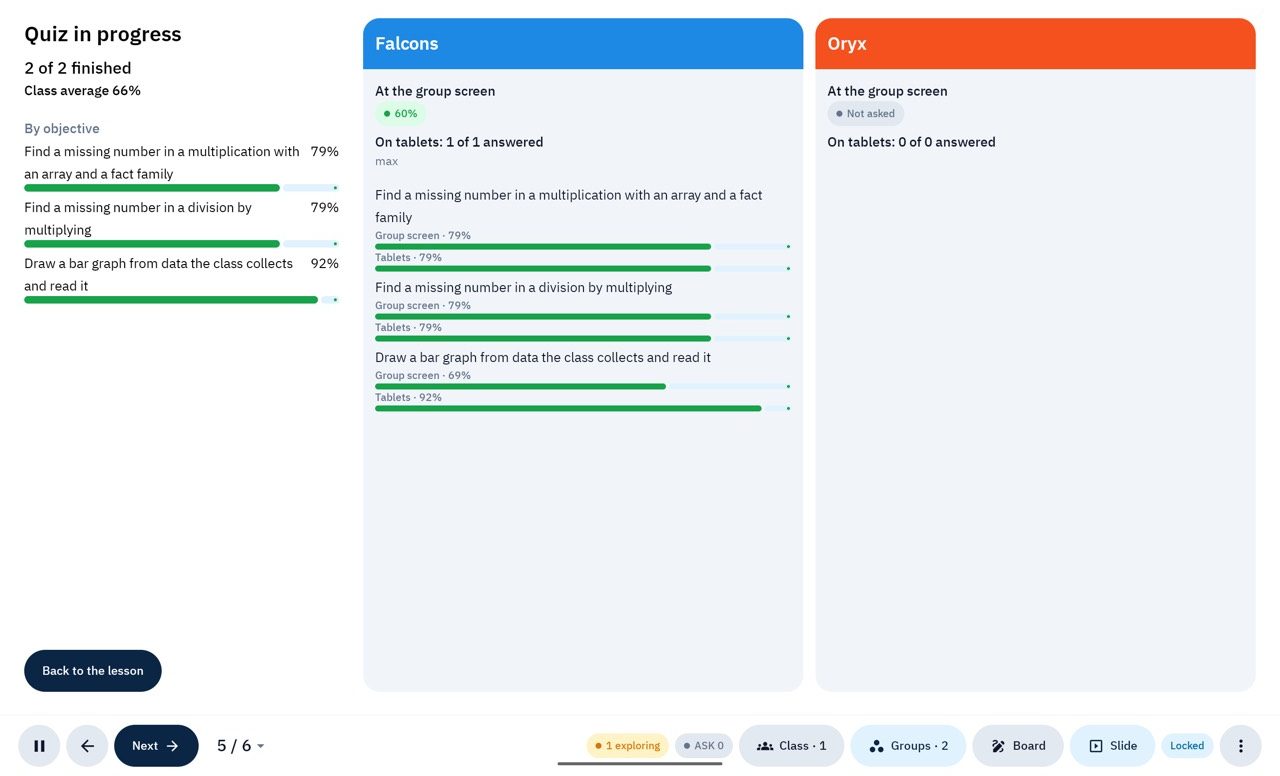
The gaps, ready when the bell rings.
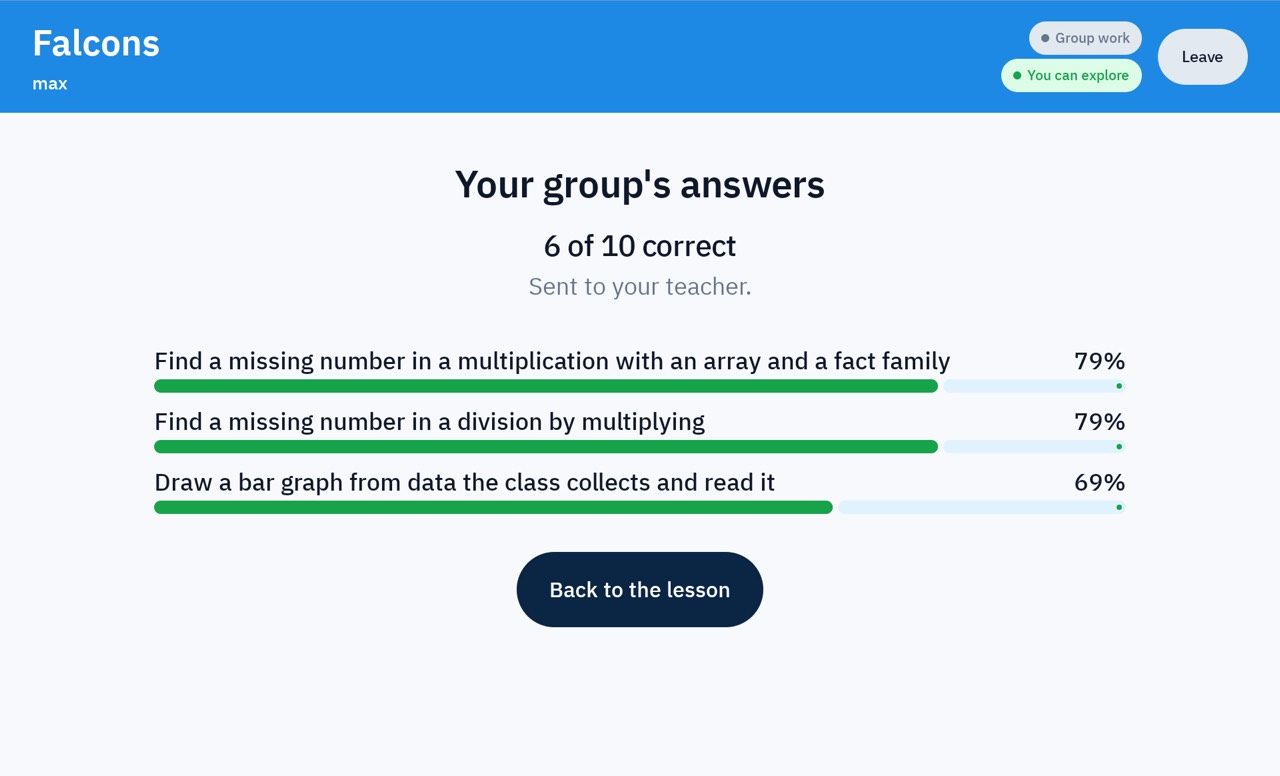
Results arrive per objective, not just per quiz: which ideas the class has mastered, which need another lesson, and which children need a hand.