

Home / Devices

Built for Samsung. Powered on the device.

Docendra is a family of native Android apps, optimised for Samsung Galaxy Tab tablets and Samsung Interactive Displays. The AI runs on each device's own accelerators, the NPU and the GPU, so the classroom keeps working without internet and children's data stays in the room.

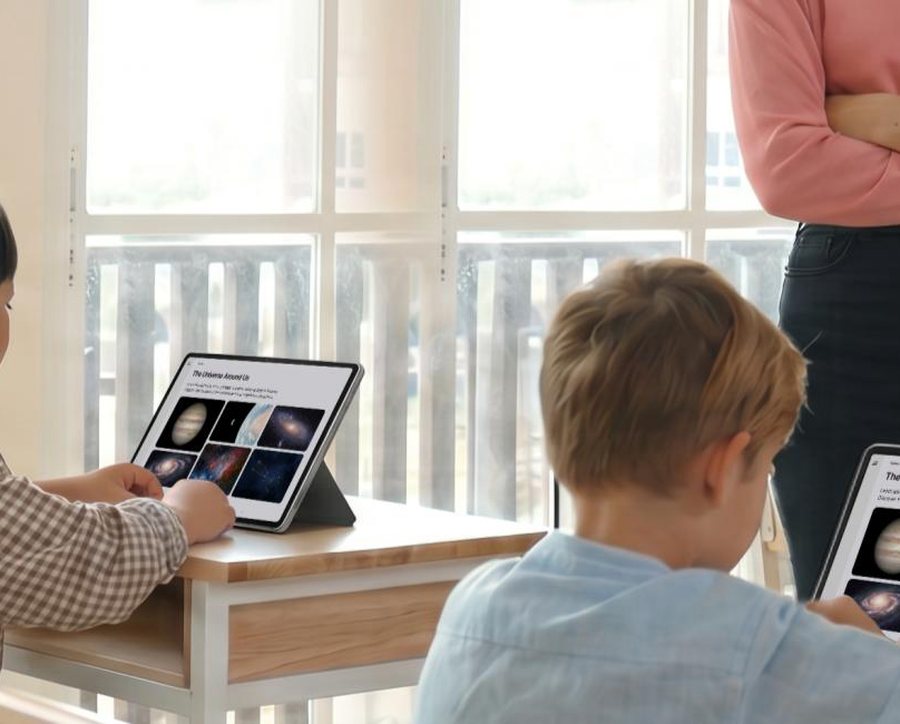
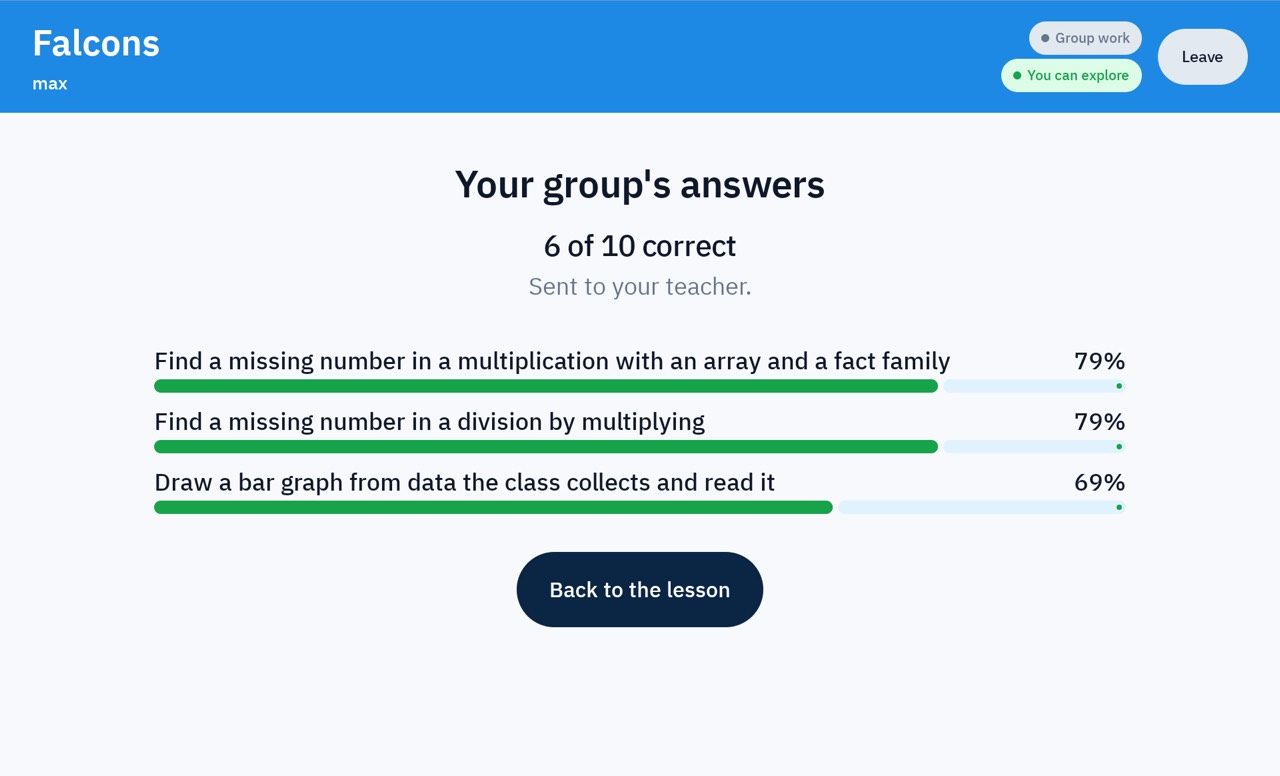
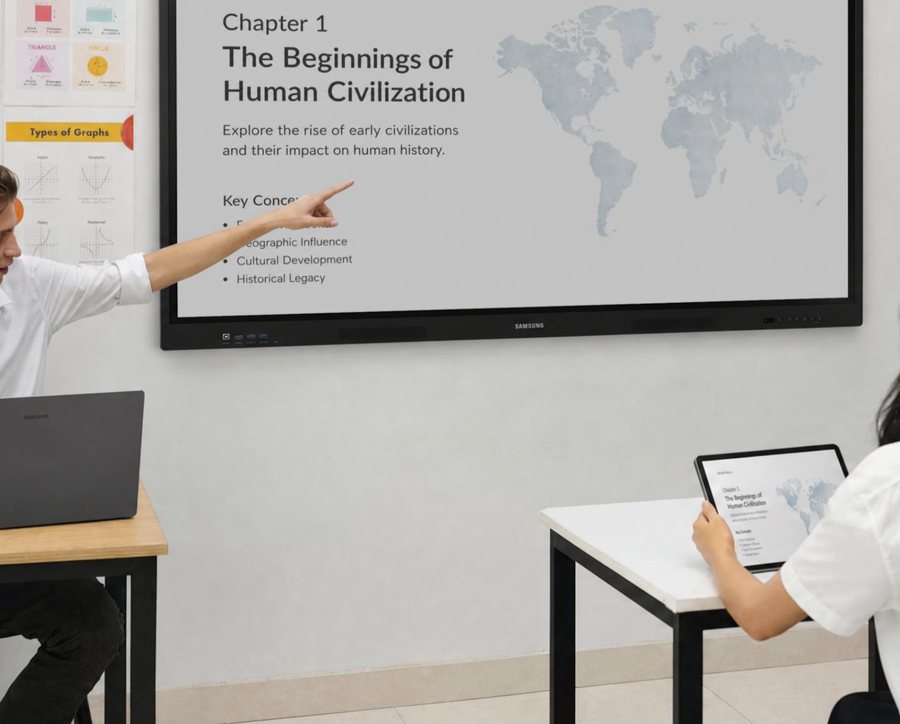
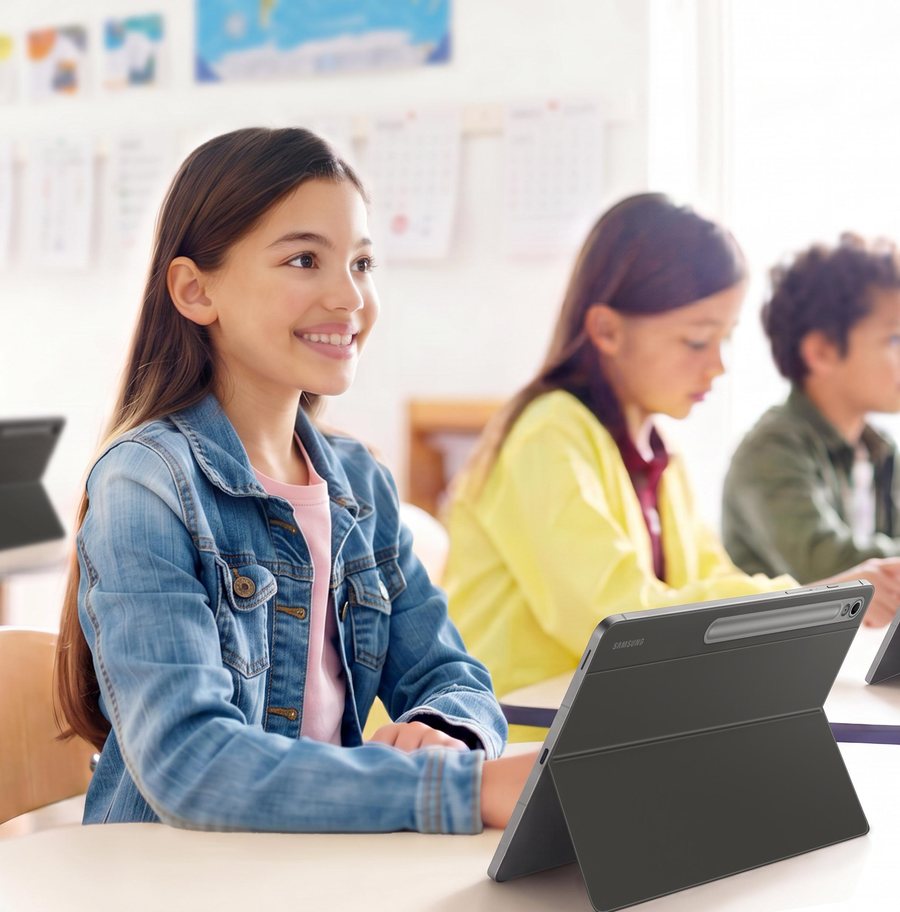
A teacher at a Samsung Interactive Display, a student following on a Galaxy Tab A student with a Samsung Galaxy Tab Built forSamsung
Samsung

Docendra runs natively on the Samsung education line-up: Galaxy Tab for every child, Samsung Interactive Display for every classroom.

The hardware we run on

Tested every day on the same Samsung devices schools buy.

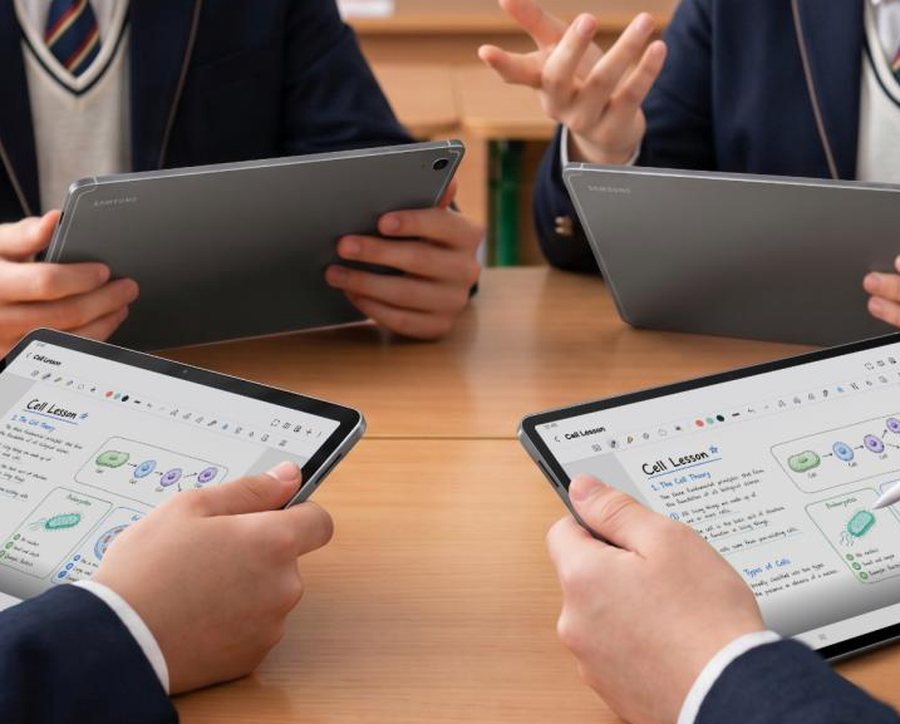
Students working on Galaxy Tab S11 tablets with the S Pen

Student tablet

Samsung Galaxy Tab S11

SM-X730 · SM-X736B (5G)

  • MediaTek Dimensity 9400+ with an on-chip NPU and GPU for the AI tutor
  • 11-inch screen and S Pen for handwriting and drawing
  • Locked kiosk mode: the student app fills the screen, the teacher unlocks it
  • Also runs on the Galaxy Tab S10 series
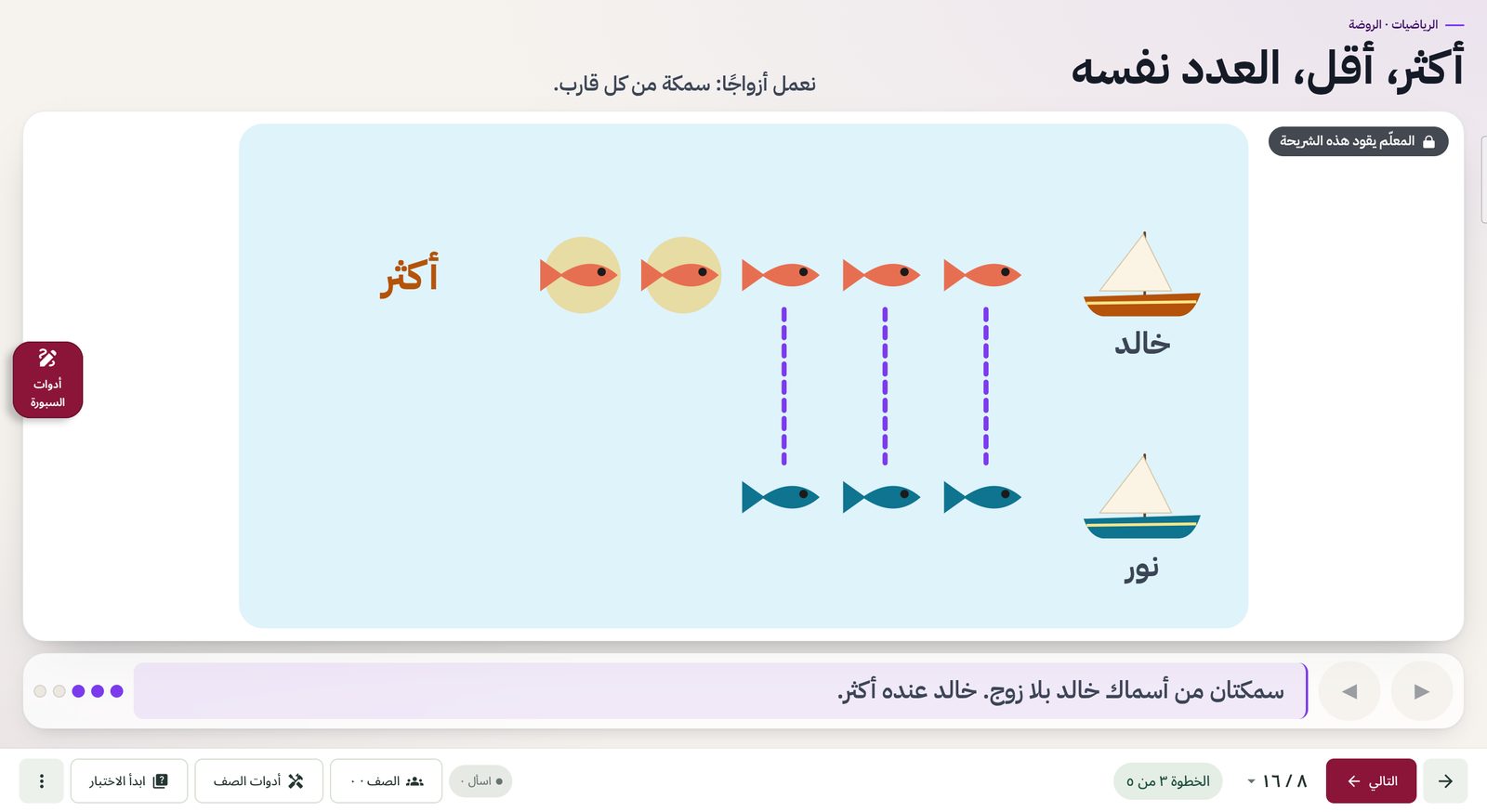
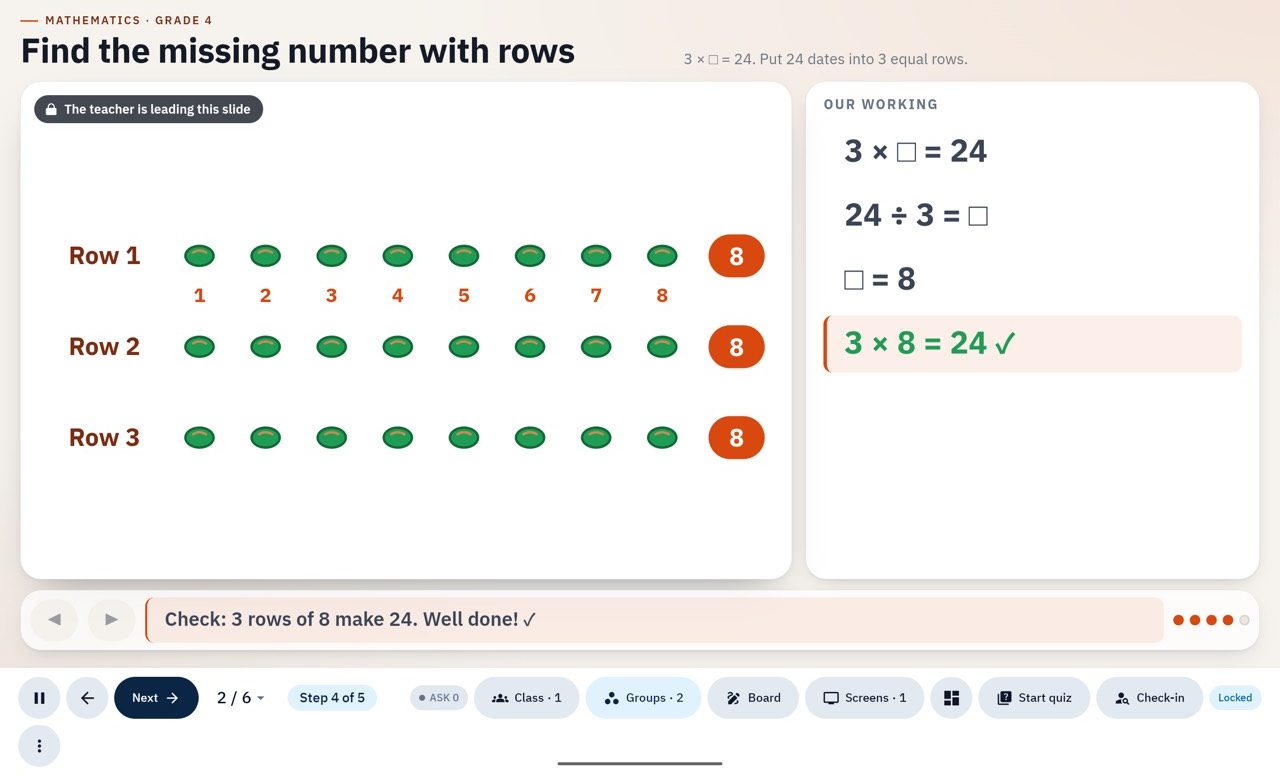
The Docendra Board app running on a Samsung Interactive Display

Classroom board

Samsung Interactive Display

WAFX-P · WAF series · WAD series

  • 4K touch board (3840 × 2160) running the Docendra Board app natively
  • The teacher draws, writes and asks the AI right on the board
  • A second display becomes a group screen with one tap
  • Shows the class QR code: tablets join in seconds

Photos: Samsung, illustrative. Samsung, Galaxy and Galaxy Tab are trademarks of Samsung Electronics Co., Ltd.

Student tablets

Samsung Galaxy Tab S10 and S11. The tutor and quiz models run on the tablet's MediaTek NPU and GPU, chosen automatically for each chip.

Galaxy Tab S10Galaxy Tab S11Android 11+NPU · GPU

Classroom boards

Samsung Interactive Displays as the main board and up to two group screens. The same app works as a remote on the teacher's phone.

Samsung Interactive DisplayGroup screensCompanion mode

National platform

A web platform for content, analytics and the ministry, school, teacher and parent portals, hosted in the country.

In-country hostingMinistry portalContent studio
On-device AI

The NPU first. Always a fallback.

Each tablet loads the model build that matches its chip and runs it on the NPU where available, falling back to the GPU and then the CPU automatically. The child never sees an error.

Models download once, in the app; after that, the AI works fully offline.

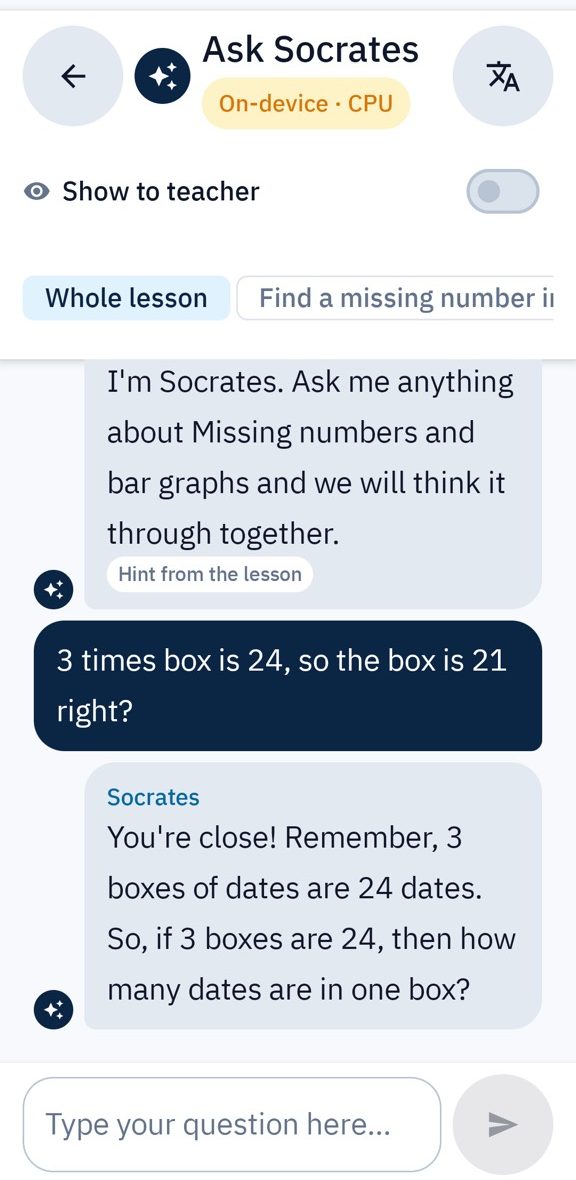
Socrates running on the tablet
Offline classroom

The school network is enough.

The board and the tablets find each other on the school network and stay in sync. Where Wi-Fi blocks devices from seeing each other, a secure relay takes over.

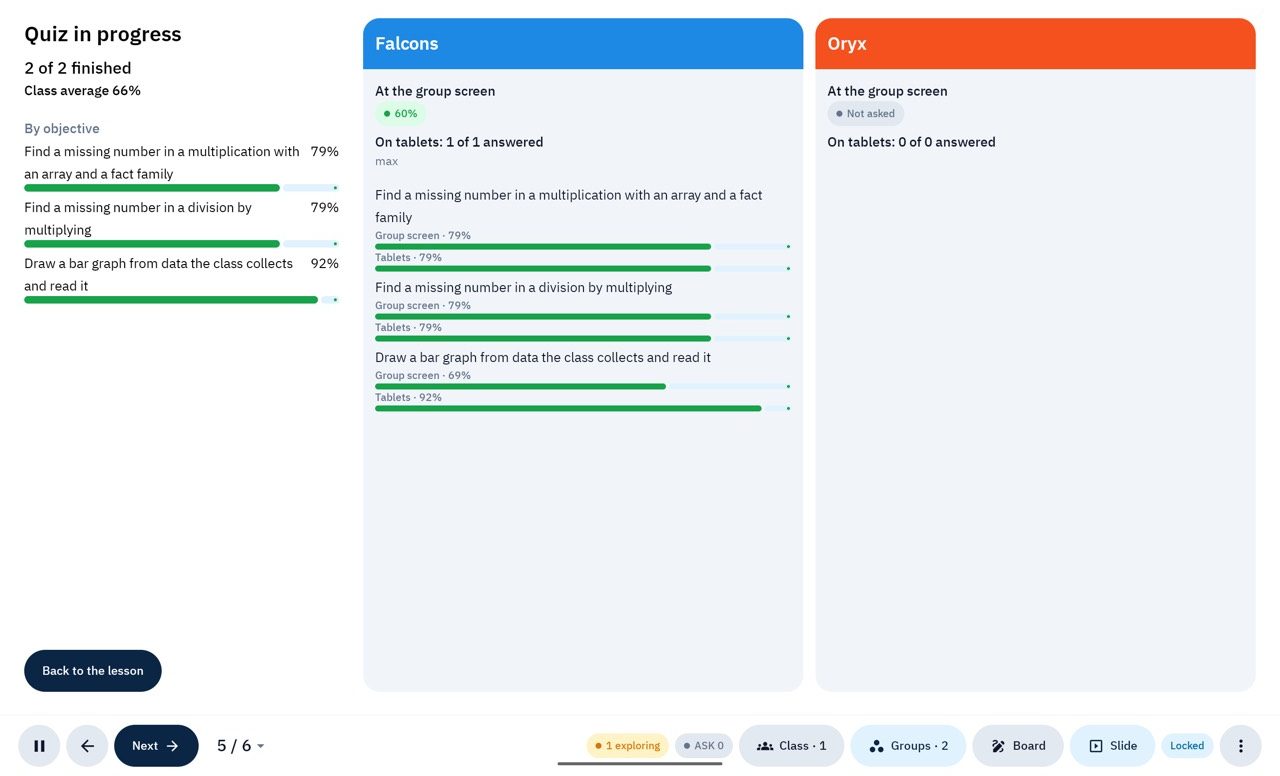
Live results from every group
Privacy by design

What leaves the classroom: tags and counts. Nothing else.

Children's conversations never leave the tablet. Reports carry learning tags and counts only, groups under ten children are hidden, and the platform keeps an audit trail.

Mastery per objective, without personal data